The first ten minutes
From signing up to seeing your first rank measurement, step by step.
No card, no trial that runs out. On the free plan one app's 50 keywords are measured every day.
- 1Create an account. An address and a password; you are in the panel without waiting for a confirmation mail.
- 2Add your app. Paste the App Store link or the numeric id - the title, developer and rating data come from the store.
- 3Pick storefronts. Two on the free plan; you can add another later in one click, without deleting the app and starting over.
- 4Wait. Keyword discovery starts on its own the moment the app is added; the first rank measurement is taken that night.
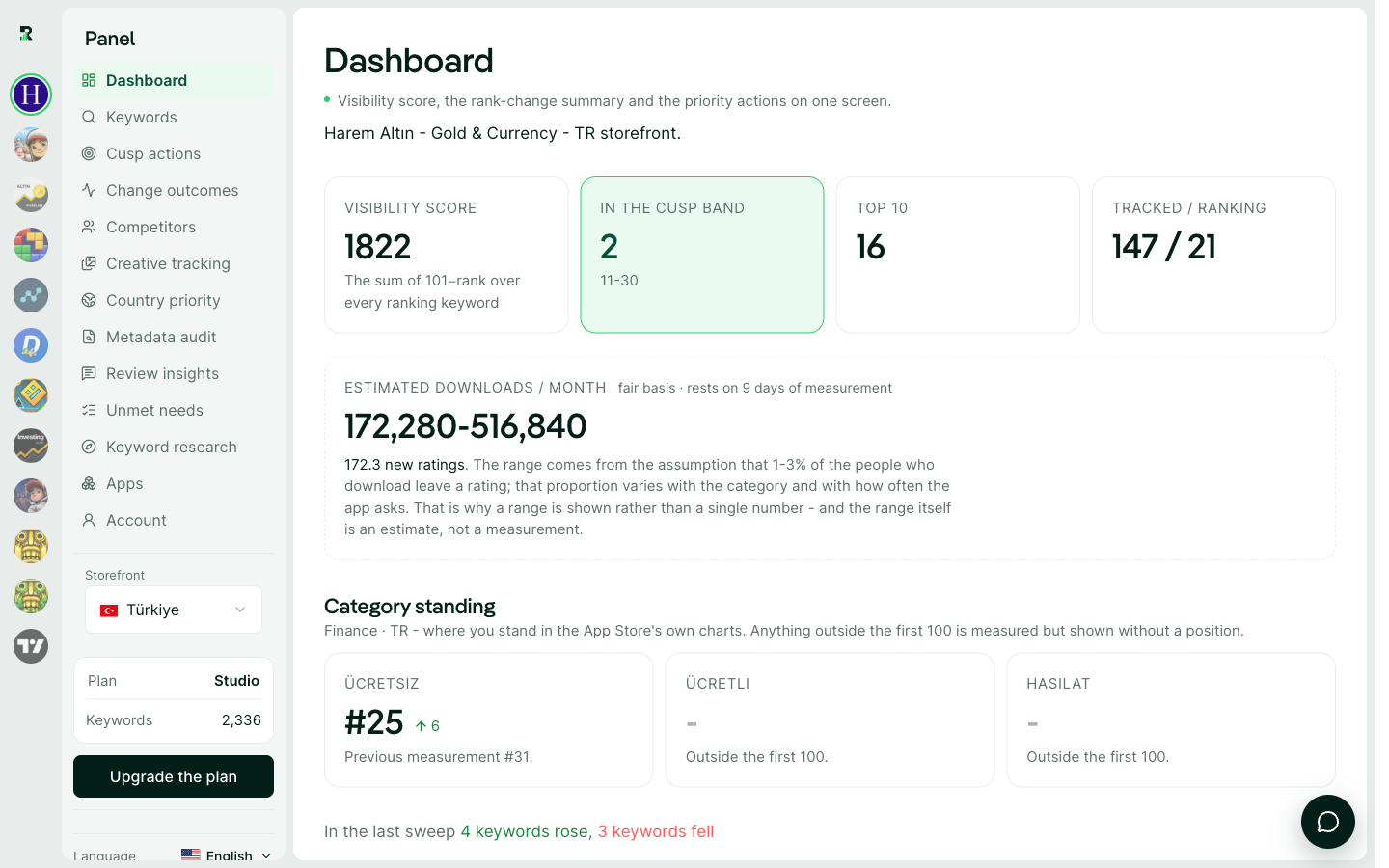
When things appear
Keywords arrive within minutes - drawn from your title, your rivals' titles and Apple's own autocomplete. Ranks fill in after the first night's sweep. Popularity and difficulty land as each phrase is measured; within a week the table is complete.